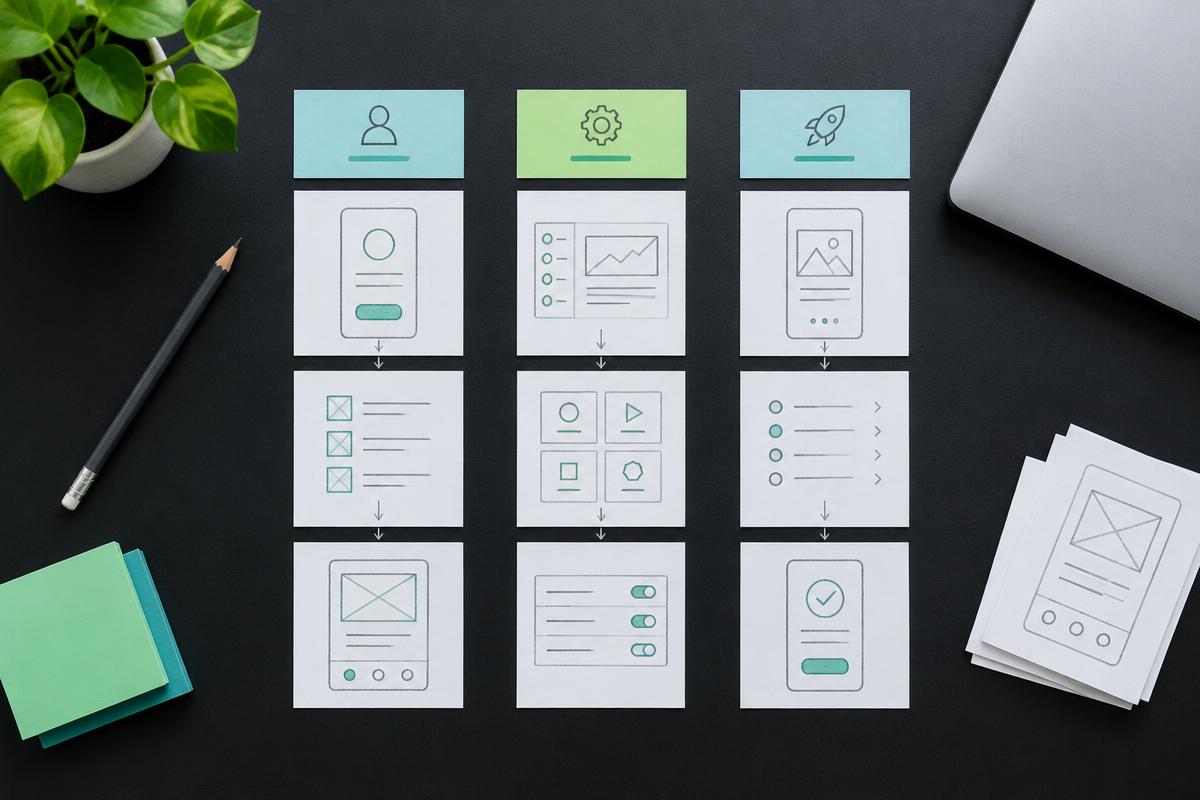
Web app vs mobile app: which should your startup build first?
Compare web apps, mobile apps and PWAs for your startup's first product: user journeys, device features, release process and the costs to check before choosing.
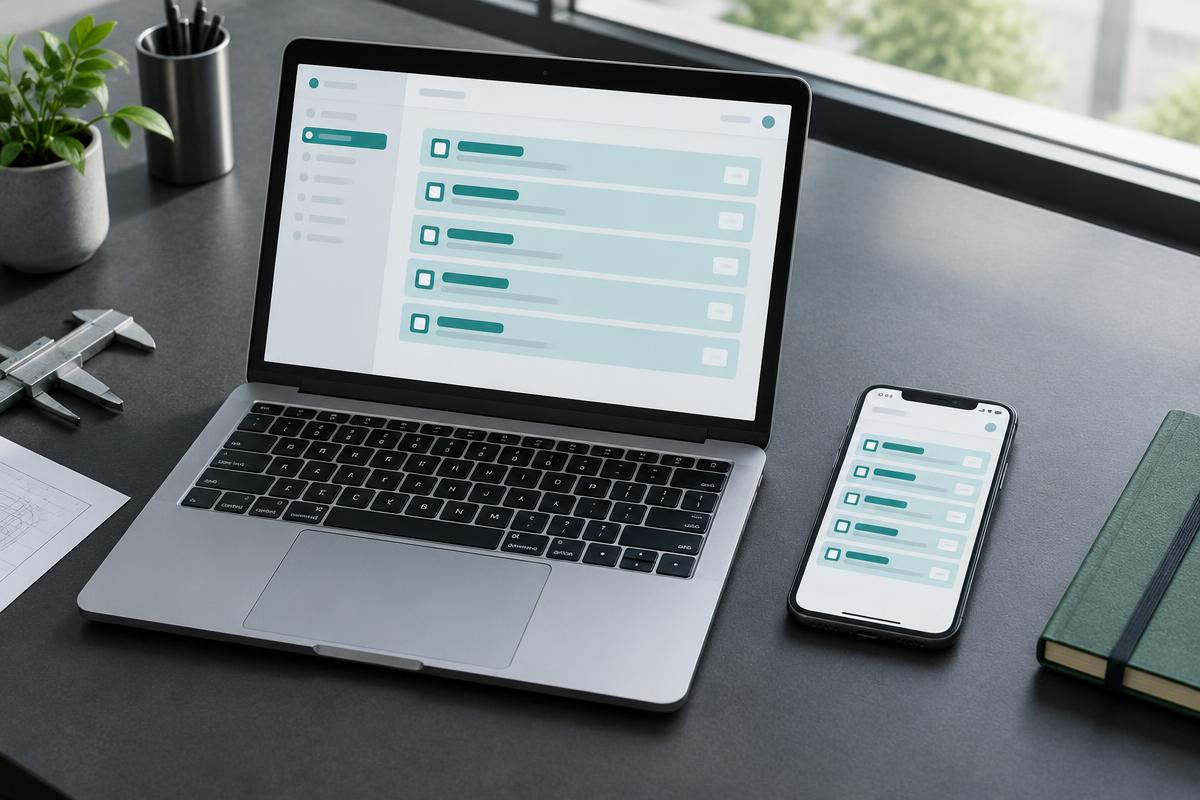
THE SHORT ANSWER
Choose the platform that supports your customer's core task with the least unnecessary friction. A browser-first product is not always cheaper, and a mobile app is not automatically better.
Web apps, mobile apps and PWAs: the practical difference
A web app runs in a browser and is reached through a URL. A mobile app is installed on a phone or tablet, commonly through an app store. A progressive web app (PWA) is a web application that can add capabilities such as installation and offline experiences where supported. These categories overlap in what users can do, but their delivery and platform constraints differ.
When comparing a web app vs mobile app, start with the job the user needs to finish. A finance administrator reconciling records on a large screen has different needs from a field worker capturing a photo in a place with poor connectivity. Neither user is served by choosing a platform simply because another startup chose it.
A mobile-friendly website is not automatically a complete app experience. Likewise, wrapping a website in an installed shell does not automatically provide reliable offline behaviour or native device integration. Write down the required capabilities and test them on the devices your first users actually have.
Compare the first workflow, not the entire roadmap
Use this comparison as a starting point for discovery. It describes common trade-offs, not universal limits. Specific browser, operating system and device support can change the answer.
| Decision | Web app | Mobile app |
|---|---|---|
| First access | Open a link in a browser | Usually install before using |
| Typical fit | Dashboards, SaaS, admin and shareable workflows | Frequent on-the-go tasks and device-led experiences |
| Release process | Deploy web updates; still test supported browsers | Plan store submission and platform testing |
| Device capabilities | Check browser support for each required API | Check OS permissions and platform restrictions |
| Offline behaviour | Possible with deliberate caching and sync design | Also needs deliberate local storage and sync design |
| Maintenance | Browser compatibility and web infrastructure | OS compatibility, app releases and infrastructure |
When web app development is a strong first step
A browser-first MVP can suit a B2B SaaS product, marketplace, customer portal or internal dashboard. Users can open a shared link, work on a desktop and return from another device. If your first acquisition channel is a website, a browser workflow can avoid asking a new visitor to install an app before they understand the value.
Web app development still includes meaningful engineering beyond the interface: authentication, permissions, billing, data models and administration may all be necessary. Public pages can be discoverable in search when they are built for crawling; private dashboards should not expose user data to search engines. Choosing the web does not automatically make every screen useful for SEO.
Consider a PWA when installation or offline access would improve a web-first journey. Service workers can support offline strategies, but you must decide which data is cached, how stale data is handled and what happens when changes conflict. Confirm support for notifications and other capabilities on your target browsers instead of assuming parity with native apps.
When mobile app development earns the extra work
Mobile may be the better first platform when the product is used repeatedly away from a desk or relies on device-specific interactions. Examples might include a field workflow, a camera-led task or an experience requiring particular platform APIs. These are hypothetical product types, not SeedGeorgia case studies. Validate the exact requirement before assuming it needs native code.
Native iOS and Android development uses platform-specific tooling. React Native offers a cross-platform approach, but shared code does not eliminate platform testing or every native integration. Ask your team to demonstrate the riskiest capability on a real device early: background behaviour, large media uploads or a hardware integration can shape the architecture.
The release plan must include signing, store accounts, privacy information, permission prompts and review. Apple and Google have their own distribution policies, and approval is an external dependency. Keep developer accounts under the startup's ownership and avoid promising a store approval date as if it were controlled entirely by the engineering team.
Compare total cost and choose one starting platform
Neither platform has a universal price advantage. A complex web dashboard can take more work than a narrow mobile utility. Compare the same user journey, integrations and acceptance criteria, including the backend shared by either approach. Ask separately about release work, compatibility testing, hosting and ongoing maintenance.
At SeedGeorgia, discovery establishes scope before a fixed-price proposal. The published general build range is 2–12 weeks after two weeks of discovery; focused mobile MVPs are described as typically 6–12 weeks after discovery. Those ranges are not interchangeable guarantees. Your own platform and scope need a project-specific plan.
If neither option is clearly required, prototype the first task and test it with intended users. Choose one initial platform and keep the data model and APIs suitable for later expansion. A shared backend can help a second client reuse business logic, but a second platform still needs its own interface, quality checks and release process.
- Where will users be when they complete the core task?
- Which device features are essential rather than merely desirable?
- Does the product need to work without a connection, and for which actions?
- Will customers arrive through a shared link, search or an existing installed-app habit?
- Who will maintain releases, answer support requests and review user feedback?
Common questions
Can a web app work offline?
Yes, a web app can implement offline behaviour using service workers and local storage technologies, subject to browser support. It requires explicit caching, sync and conflict handling; it is not an automatic property of a website.
Is React Native the same as a web app?
No. React Native is used to build native application interfaces using React. It can share parts of a codebase across platforms, but a browser app and an installed mobile app have different environments and release requirements.
Can we launch on web and add mobile later?
Yes. A well-defined backend and APIs can serve both. Plan for that possibility without building every future feature now, and budget separately for the mobile interface, testing and distribution.